 You wouldn’t drive without a seat belt or leave your office unlocked overnight. So why go online without Multifactor Authentication (MFA)?
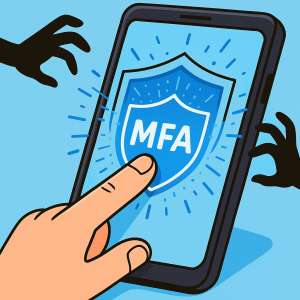
MFA acts like a second lock on your digital doors—protecting your business from hackers, ransomware, and data breaches.
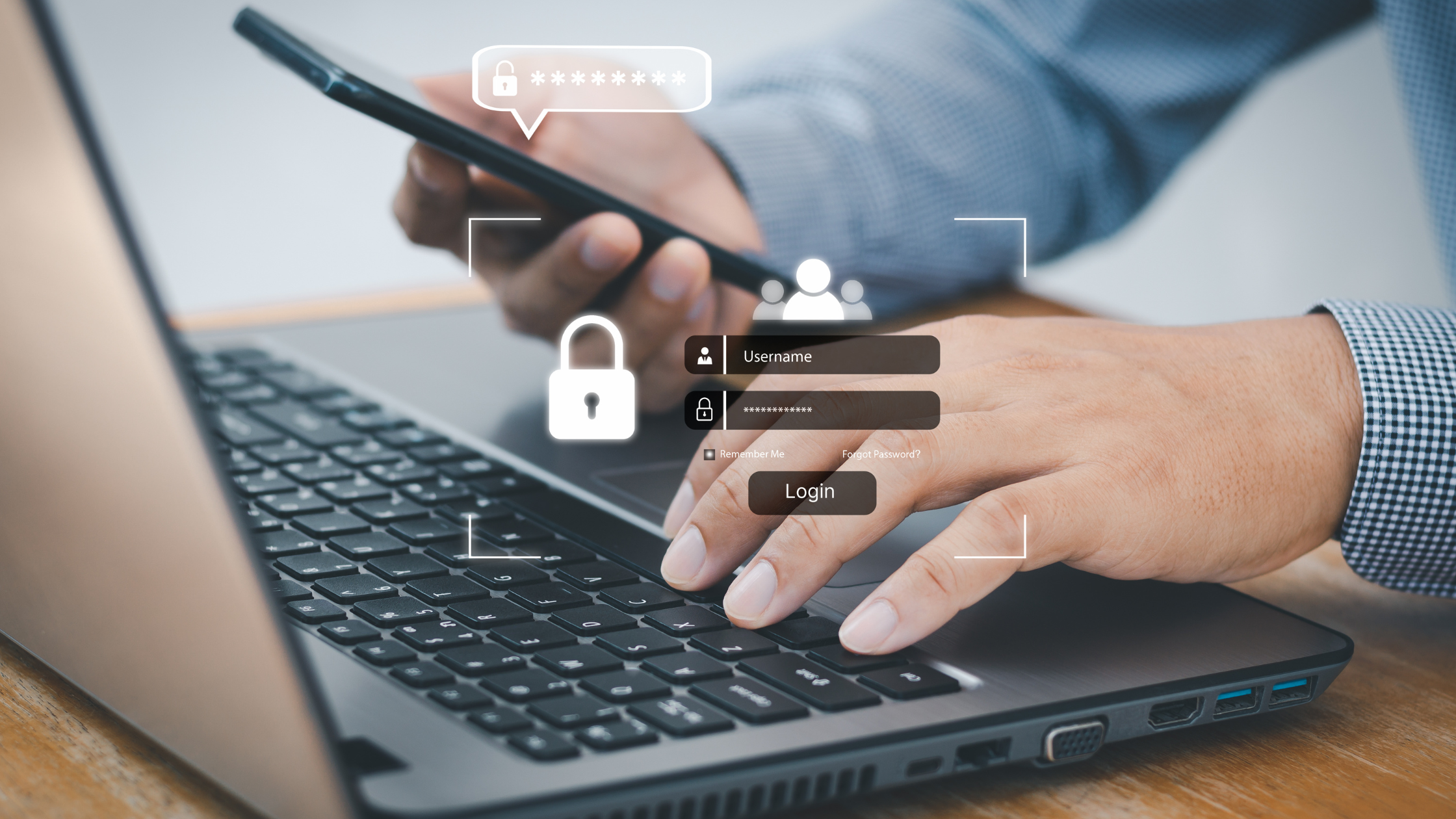
A strong password alone isn’t enough anymore. Passwords can be stolen, guessed, or leaked in a breach. With MFA, even if someone gets your password, they still can’t get in without that second layer of verification—like a text code, authentication app, or fingerprint scan.
Think of it as an affordable insurance policy for your business security.
One Extra Step That Stops 99.9% of Attacks
If locking your office door at night is your password, arming your alarm system before you leave is Multifactor Authentication. It’s a simple, one-step action that can block nearly every unauthorized login attempt.
Microsoft reports that enabling MFA can reduce account compromise by over 99.2%—and up to 99.99% when used consistently. That’s not a small improvement; that’s the difference between a routine workday and a full-blown data breach.
In short, MFA isn’t optional anymore. It’s essential.
How MFA Works
MFA adds at least one more layer to your login process. It verifies that it’s really you trying to access an account. Common types include:
-
Text or email codes: You receive a one-time passcode to confirm your login.
-
Authenticator apps: These generate time-based codes that refresh every 30 seconds.
-
Push notifications: A simple tap on your phone to approve or deny access.
-
Biometric scans: Fingerprint or facial recognition adds convenience and top-tier protection.
Most MFA systems take just a few seconds to complete—and they can alert you if someone else is trying to access your account.
Real-Life Scenarios Where MFA Saves the Day
Picture this: an employee unknowingly clicks on a phishing email and enters their login credentials. Without MFA, that hacker now has full access to your company’s inboxes, cloud files, and possibly even client data.
With Multifactor Authentication in place, the hacker gets stopped cold. You’re immediately alerted to the login attempt and can lock down the account before any damage occurs.
That one extra click could save your business from thousands of dollars in recovery costs, reputation loss, and downtime.
Where You Should Always Use MFA
At a minimum, enable MFA for accounts that handle sensitive or business-critical data, including:
-
Banking and financial platforms
-
Business email accounts
-
Cloud storage and collaboration tools (Microsoft 365, Google Workspace, etc.)
-
Social media profiles tied to your brand
-
Any system with client or proprietary information
Many platforms already include MFA options—just check your security settings and turn them on.
How to Set Up MFA for Your Team
Getting started is easy, but businesses often struggle to roll out MFA consistently across all users. That’s where an IT Managed Service Provider (MSP) comes in.
An experienced MSP, like ILER Networking & Computing, can assess your network, implement MFA company-wide, and ensure every login is secured without disrupting workflow.
They can also integrate MFA with your existing systems—so users log in with ease while you gain peace of mind.
Stay Ahead of Cybercriminals
Cybercrime is on the rise, and small to midsize businesses are the top targets. The majority of breaches start with stolen or weak passwords. Multifactor Authentication is your easiest, most effective defense—simple, fast, and free on most platforms.
The truth is, you’re only as secure as your weakest password. Adding MFA makes that weakness nearly impossible to exploit.
For step-by-step MFA setup instructions, see Microsoft’s official MFA guide.
Ready to Strengthen Your Cybersecurity?
Setting up MFA takes minutes—but the protection lasts indefinitely. Don’t wait until a breach forces your hand.
If you’re not sure where to start, schedule a quick discovery call with our team. We’ll help you implement MFA and other security layers that keep your business data locked down and your operations running smoothly.