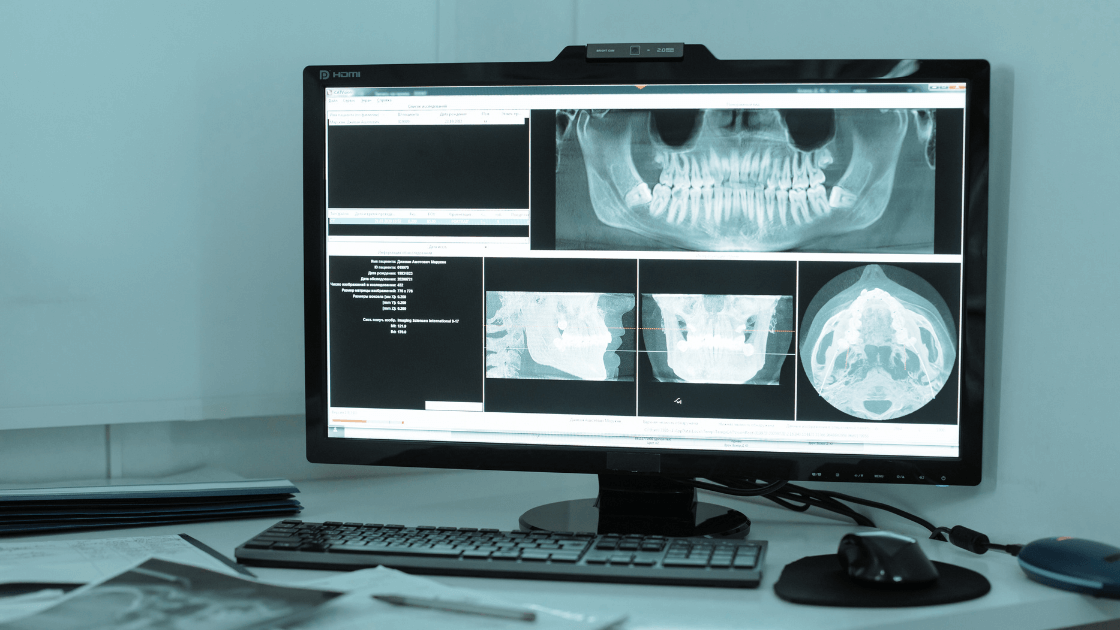
There’s nothing quite like that sinking feeling when your imaging system freezes mid-scan… again. Patients waiting. Assistants apologizing. You silently screaming, “Why now?!”
If you’ve ever had to reboot Dexis during a hygiene check or reschedule a pano because the computer “just stopped recognizing the sensor,” this post is for you.
Imaging issues aren’t just annoying — they cost you time, revenue, and reputation. So let’s pull back the curtain on what causes these crashes and what you can do (starting today) to protect your productivity.
🧠 The Real Reasons Imaging Systems Crash
Imaging tech is finicky — it’s a ballet between hardware, drivers, software, and the network. And just one misstep can throw off the whole routine. Here’s what typically goes wrong:
1. Outdated Drivers or Software
Those updates you keep clicking “remind me later” on? They matter. Manufacturers regularly release patches that fix bugs or improve compatibility. Skipping them is like ignoring recall notices for your car.
2. Network or USB Port Conflicts
That sensor doesn’t plug into magic — it relies on stable power, clean USB ports, and fast data transfer. Worn-out cables, slow PCs, or too many devices fighting over the same port can cause freezes or disconnects.
3. Poor Integration with Practice Software
When your imaging system and EHR aren’t fully synced (especially during upgrades), things break. Images may not save properly or pull up in the wrong chart. And guess who gets the blame? You.
4. Aging Workstations
Imaging software needs processing power. That seven-year-old front-op PC might technically “turn on,” but it’s too slow to keep up with newer imaging demands — and eventually crashes under pressure.
5. No Centralized Support
If your IT provider doesn’t know Dexis from Dentrix, or if you’re bouncing between support lines for hardware, software, and your network… yeah. Things slip through the cracks.
⏱️ The Hidden Cost of Downtime
Let’s say your sensor goes down for 45 minutes. That’s: – 1–2 patients rescheduled – A hygienist or assistant sitting idle – A front desk team scrambling to manage expectations – You losing up to $600 in production — not to mention credibility
Multiply that by monthly interruptions, and you’ve got a silent productivity killer.
🛠️ How to Keep Imaging Running Smoothly (Without Losing Your Mind)
Here’s what smart practices do to minimize chaos and maximize uptime:
✅ Schedule Regular Imaging Health Checks
Your IT partner should inspect drivers, cables, and performance monthly. They can run diagnostics before issues show up.
✅ Use Dedicated Workstations for Imaging
Avoid overloading your imaging PC with email, admin tools, or other software. Keep it clean, fast, and focused on one thing: capturing and saving images reliably.
✅ Centralize Tech Support
Work with an MSP who knows dental imaging — someone who can support your sensor, your Dexis integration, your firewall, and your network without finger-pointing.
✅ Budget for Upgrades Before It’s Too Late
Tech has a shelf life. Plan for workstations to be replaced every 4–5 years. A $1,200 upgrade now beats thousands lost in recurring downtime.
✅ Keep a Backup Sensor or Capture Device
Just like you wouldn’t have one autoclave for a 3-op practice, don’t rely on one sensor to carry your whole team. Redundancy equals reliability.
😌 A Smooth Day Starts with Working Tech
Imaging crashes don’t have to be “just part of the job.” With the right strategy and the right partner, you can turn unpredictable chaos into consistent clinical flow.
Because at the end of the day, you shouldn’t have to explain to a nervous patient why their X-ray didn’t save.
You should be doing what you do best — caring for smiles, not coaxing software.
Need Help? Book a free dental analysis with a IT expert who can simplify all of this for you. Because smart security shouldn’t feel scary.